
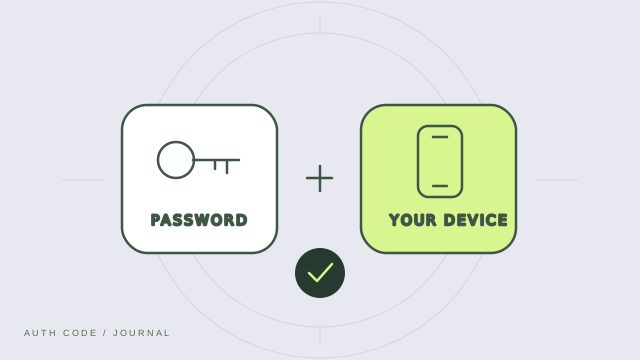
A second way to prove it is you
Two-factor authentication, or 2FA, asks for two different kinds of evidence before allowing access. A password is something you know. A registered device or security key is something you have. A biometric check is something you are. Using two passwords is not the same as using two different factors.
Where an authenticator comes in
An authenticator app generates a short code from a secret established when you set up an account. The service checks that code alongside your password. For time-based codes, your device and the service use the shared secret and the current time. The setup secret is sensitive: someone who obtains it may be able to generate the same codes.
The choices you may see
Services may offer authenticator codes, text messages, push approvals or hardware security keys. Their protection differs. Text-message codes depend on your phone number and mobile provider. Authenticator codes avoid that dependency, but can still be stolen through phishing. Properly implemented security keys and passkeys can provide phishing-resistant sign-in.
2FA and passkeys are related, but different
Passkeys use public-key cryptography rather than a password and a copied code. A device may require a local PIN or biometric check to use a passkey. Whether a particular passkey flow satisfies a service’s multi-factor requirements depends on how that service implements it.
Set it up with recovery in mind
Enable the supported method in your account’s security settings, complete a test sign-in, and save the recovery options the provider gives you. Keep recovery codes separate from your authenticator. Never send a current code or setup secret to support.