A setup code carries account credentials
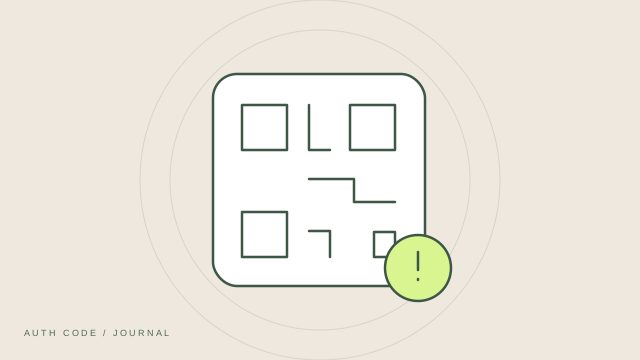
An authenticator setup QR code commonly contains the secret used to generate verification codes, along with setup information. Scanning it copies that information into the app. It is different from an ordinary website QR code or a temporary code shown during sign-in.
Treat copies as sensitive
A screenshot, printed copy or shared image of a setup QR code may let another person create a matching authenticator entry. Avoid posting it in support chats or public documents. If you save one for recovery, protect it as carefully as any other credential.
Confirm the source before scanning
Start setup in the account provider’s genuine security settings. Do not scan an unsolicited QR code claiming to fix your authenticator or verify your account. A QR code’s appearance cannot establish who created it or what it contains.
Complete the confirmation step
After adding an account, enter a current code into the provider’s setup flow and save its recovery options. Scanning alone may not finish enrollment. Verify that 2FA is enabled before closing the setup page.
Replace a secret that was exposed
If you accidentally shared a setup QR code or secret key, use the provider’s official settings to replace that two-factor setup. Verify the new entry and recovery options before removing the old one. Deleting a screenshot does not invalidate copies someone else may have obtained.