Urgency is a reason to slow down
A message may claim that your account will close, a payment needs attention or someone is signing in. Some alerts are genuine, but the message itself is not proof. Open the service’s official app or use a known address to check the account instead of following an unexpected link.
Look at the destination, not just the branding
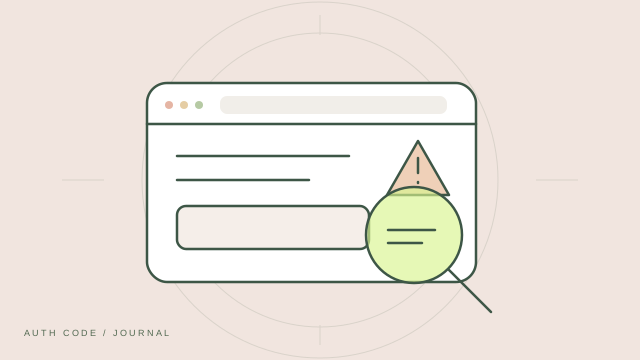
A fraudulent page can copy a familiar logo and layout. Check the actual domain before entering credentials. HTTPS protects the connection to a website, but does not establish that the website belongs to the service you intended to visit. Similar-looking names and unfamiliar subdomains deserve care.
An authenticator code can be phished too
A scam page may ask for your password and immediately request a fresh code. It can relay both to the real service before the code expires. Treat authenticator codes as sensitive sign-in information and enter them only in the genuine flow you initiated.
Do not approve a sign-in you did not start
If a service uses push approval, reject unexpected requests and investigate through the official app. Repeated approval requests can be an attempt to pressure you into accepting one. A support agent should not need your verification code, backup password or recovery codes.
If you already entered your details
Visit the genuine service directly. Change an exposed password, review and revoke suspicious sessions, and check recovery settings and connected apps. If you shared a setup secret or recovery codes, replace those through the provider’s security settings. Follow its official recovery process if you cannot sign in.