
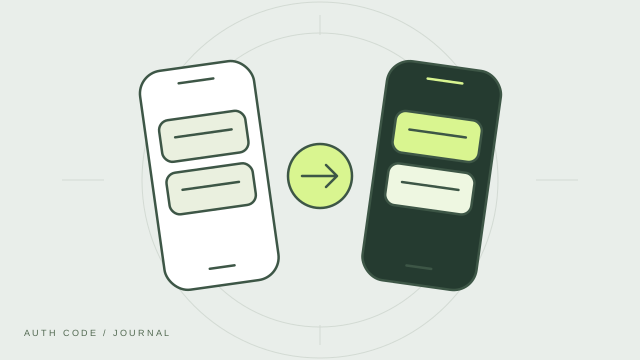
Prepare before you switch
Keep your old phone available until you have checked every account on the new one. Moving an authenticator is easiest while you can still open the original app and access the services it protects.
Choose your transfer method
Auth Code supports password-protected encrypted backups and optional iCloud sync. Set up your chosen method on the old device first. Keep the backup file and its password available, or verify that your iCloud configuration is working before relying on it. Sync needs the appropriate Apple account and device settings.
Check the restored accounts
After importing a backup or completing sync, review the account list. Check names and account identifiers so that similar accounts do not get mixed up. Try signing in to your important services with codes from the new phone before erasing the old one.
Keep recovery codes separate
Have the recovery codes supplied by your account providers available during the move. Do not store your only recovery route exclusively on the phone you are replacing. If a transfer fails, the provider’s account recovery process may help.
Finish the move carefully
Once you have verified the new phone, remove sensitive data from the old device before giving it away. Review saved backup copies and cloud data separately. If you cannot access your old phone and have no usable backup, contact the services whose accounts are affected; an authenticator app cannot recreate a lost secret.